 UI/UX Library
Apple Silicon
M1, M2, M3, M4 and newer
Releases
Native for Apple Silicon and Intel. Requires macOS 12 Monterey or newer.
M1, M2, M3, M4 and newer
Macs with an Intel processor
Not sure which Mac you have? Open the Apple menu and choose About This Mac. It shows "Chip: Apple M…" or "Processor: Intel".
You need a licence to use the app. Anyone can download it, but the app only opens for accounts with an active licence.
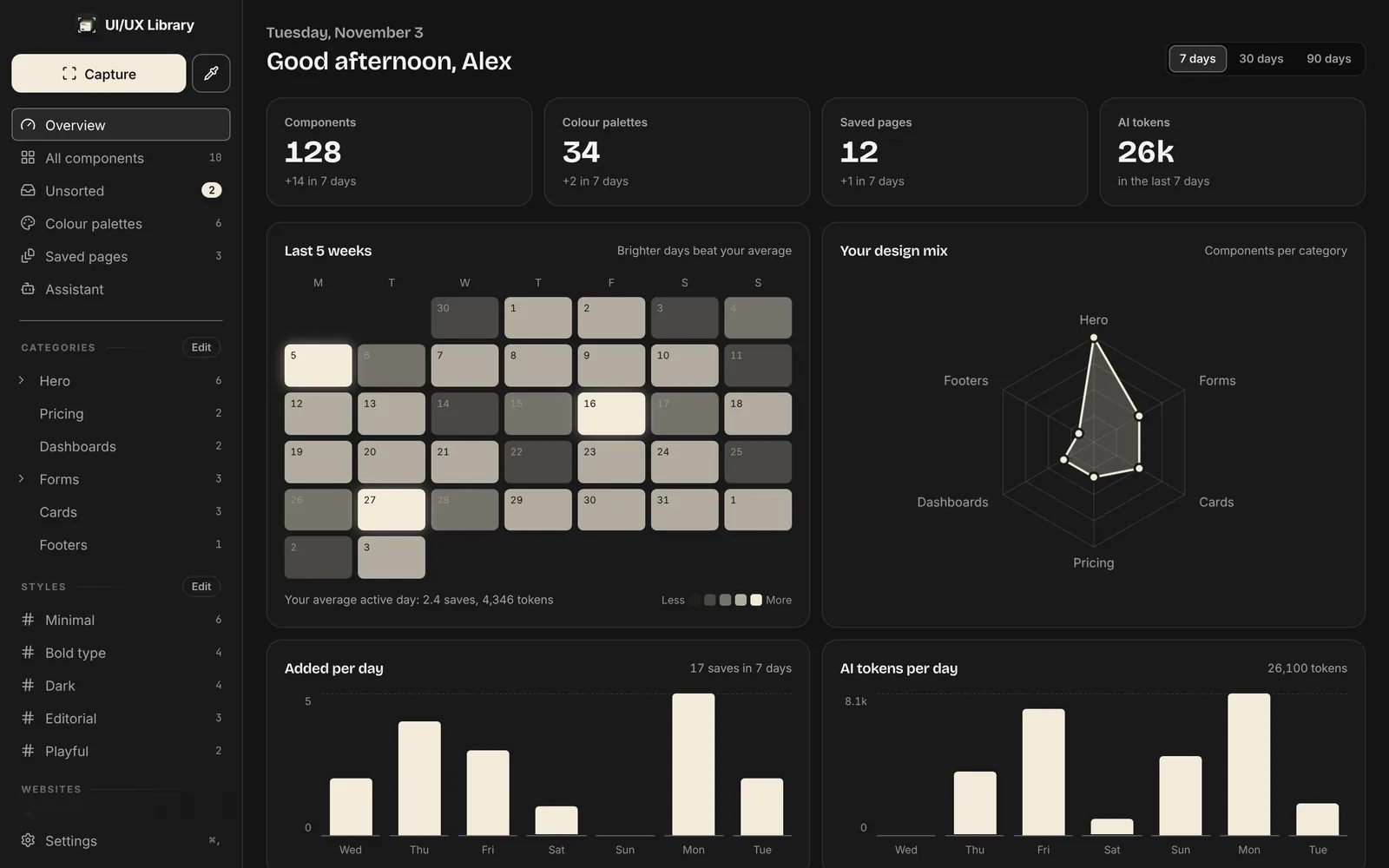
Pick the build for your Mac above.
Open the DMG and drag UI/UX Library into Applications.
The first time, right-click the app and choose Open. It's ad-hoc signed, so macOS asks once.
Allow Screen Recording when asked, relaunch, then log in with your licensed account.
The first public release of UI/UX Library.